Usage & plan — minutes, invoices, cancellation
This page answers the money questions: how much you have been on the phone this month, what your plan includes, and what happens when you go beyond it. It is deliberately the page you want to have read before your first invoice rather than after it.
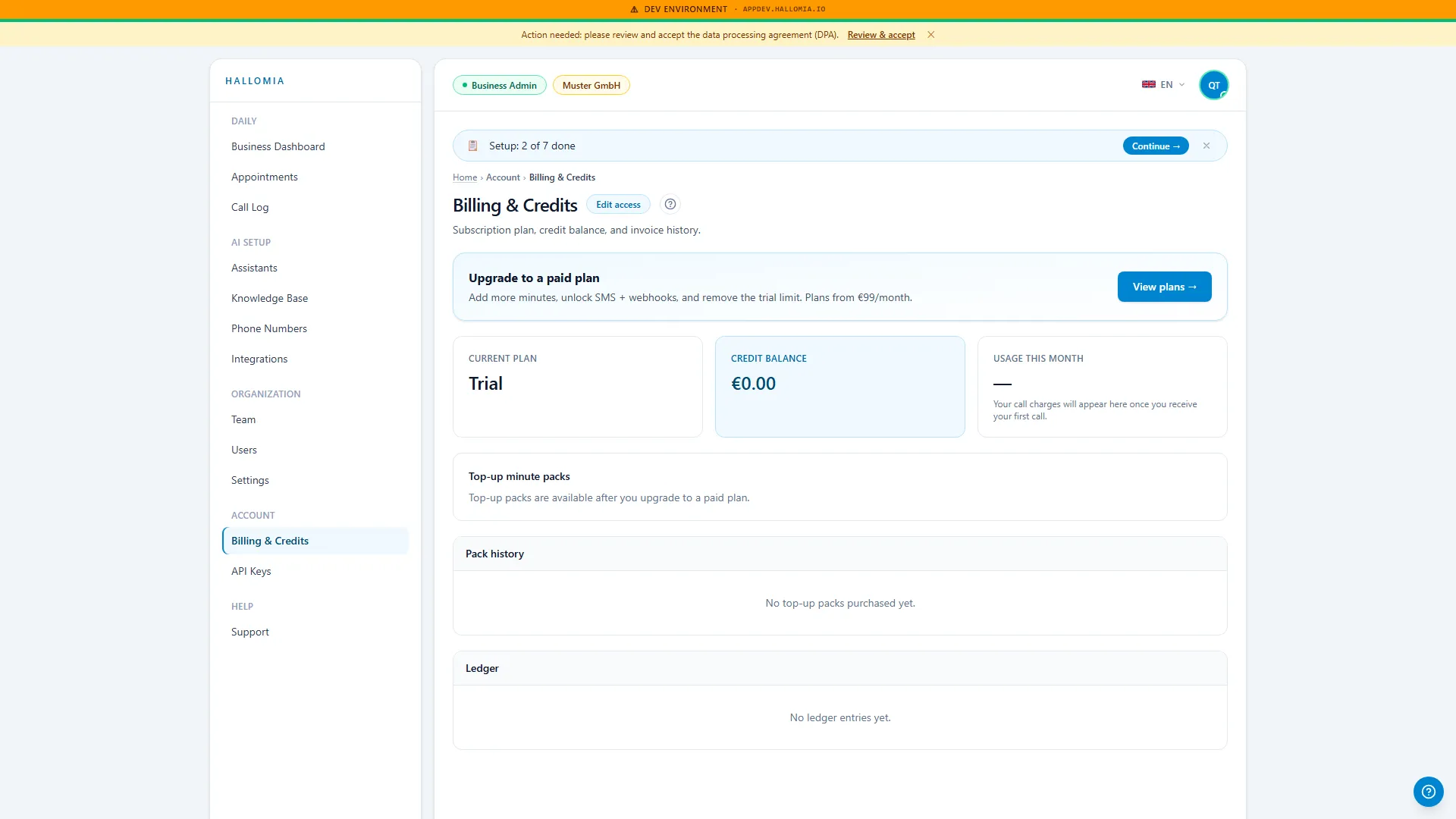
What does this page show?
Section titled “What does this page show?”You see your current plan, your usage in the running billing period measured against your included minutes, and the way through to your invoices and payment details. That lets you judge mid-month whether the plan still fits, instead of finding out on the invoice.
What can I do from here?
Section titled “What can I do from here?”- Check usage against your included minutes.
- Open invoices and payment details — they live in our payment provider’s customer portal.
- Change plan if your call volume turns out to be consistently different from what you expected.
- Cancel the subscription — directly in the app, with no phone call and no form.
What happens if I exceed my included minutes?
Section titled “What happens if I exceed my included minutes?”Calls keep working — Mia does not hang up when your allowance runs out, because a turned-away customer call would cost more than the minute does. Minutes beyond the allowance are billed in addition. That is exactly why a mid-month look at this page pays off: if you are regularly over, the next plan up is usually cheaper than paying overage every month.
Where do I find my invoices?
Section titled “Where do I find my invoices?”In the customer portal you open from this page. Every invoice is there to download, that is where you change payment method and billing address, and that is where your VAT ID sits. If an invoice you expect is not there, Find an invoice takes it from there.
Does changing plan reset my setup?
Section titled “Does changing plan reset my setup?”No. A change affects only your allowance and price. Your assistant, knowledge base, phone number and call log stay exactly as they are — you are simply unlocking more minutes. The same is true of upgrading during the trial once you have hit the test limit; see Test call limit reached.
How do I cancel?
Section titled “How do I cancel?”Right here in the app, with a button — as German consumer law requires. You do not have to call anyone or write anything. Everything stays usable until the end of the period you have paid for.