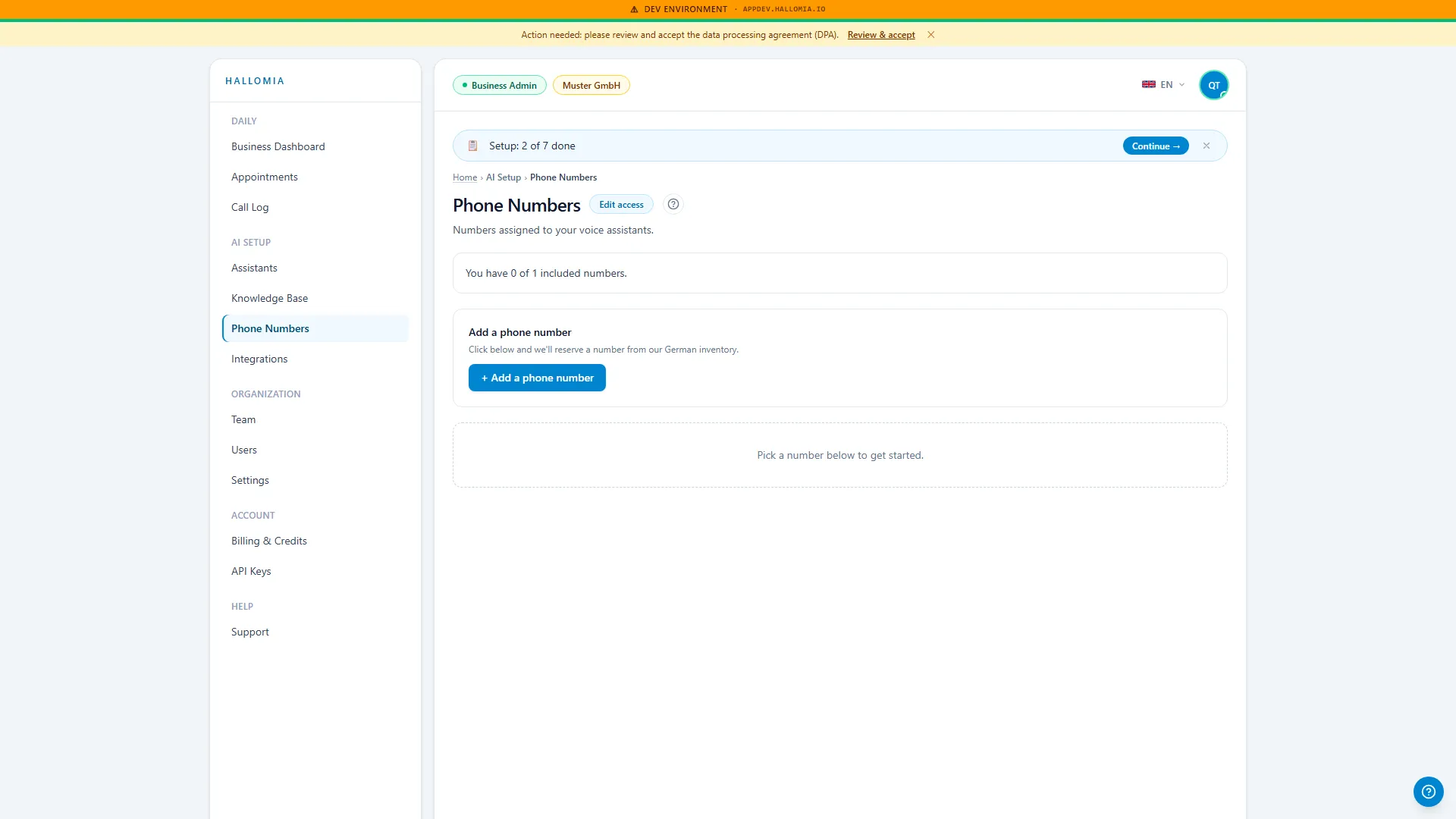
Number shows "reserved" instead of "active"
Your new phone number appears with the status “reserved” and a deadline notice.
- Open Settings → Customer data (the Phone numbers page links straight to it).
- Fill in the short form with your details and save.
- The number is activated in full immediately.