API keys — connecting HalloMia to your own systems
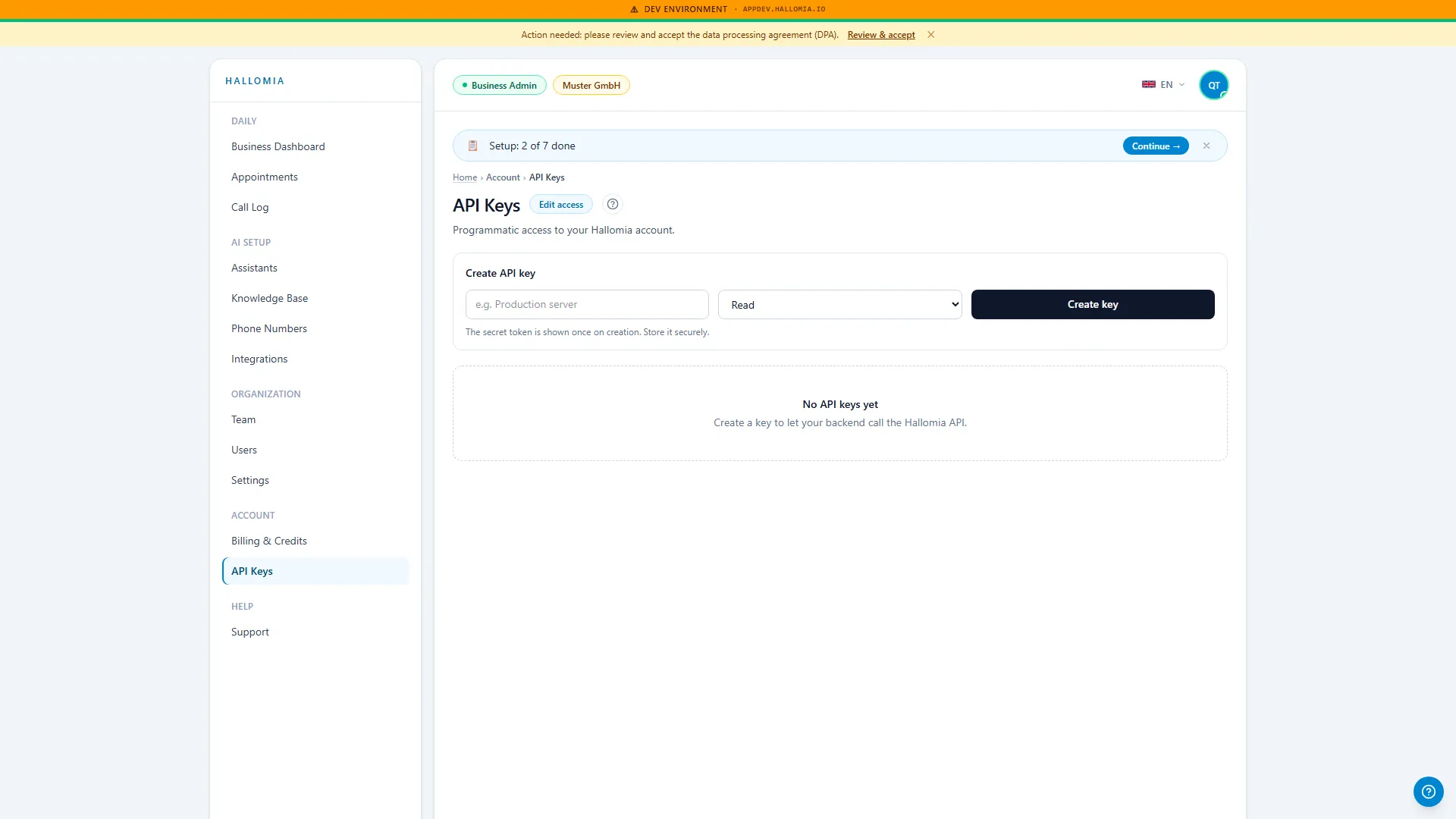
API keys exist for the case where you want to connect HalloMia to a system of your own — pulling call data into your CRM, for instance. Most businesses never need this page. Those who do should genuinely read the section on storage.
What do I need an API key for?
Section titled “What do I need an API key for?”For your own integrations: a key lets a program access data on behalf of your organisation. For the ready-made connections to calendars or Microsoft 365 you do not need a key — you set those up under Integrations.
What can I do from here?
Section titled “What can I do from here?”- Create a key for an integration of your own.
- See which keys exist and what they were meant for.
- Revoke a key that is no longer needed or has gone astray.
- Tidy up — any key nobody can account for should be revoked.
How do I store a key safely?
Section titled “How do I store a key safely?”Treat it like a password, because it behaves like one: a key speaks for your organisation without anyone having to sign in. So it belongs in your password manager or in your system’s configuration — not in an email, not in a chat message, and not in a document a whole team can open. Note down what the key is for when you create it; that is the information you will be missing later when you come to tidy up.
What do I do if a key has gone astray?
Section titled “What do I do if a key has gone astray?”Revoke it here, immediately, and create a new one afterwards. In that order: revoking is what ends the possible access — a new key on its own does not invalidate the old one. It is the same reflex as a lost set of keys: change the lock first, cut the spare afterwards.
Who on my team should have access to this page?
Section titled “Who on my team should have access to this page?”As few people as possible. API keys are an administrative area, not an everyday feature; someone following up on calls does not need them. Which role includes this area is controlled under Team.