Calendar suddenly disconnected
The Google or Outlook card under Integrations shows “Connect” again even though you were already connected — new appointments then no longer land in the calendar.
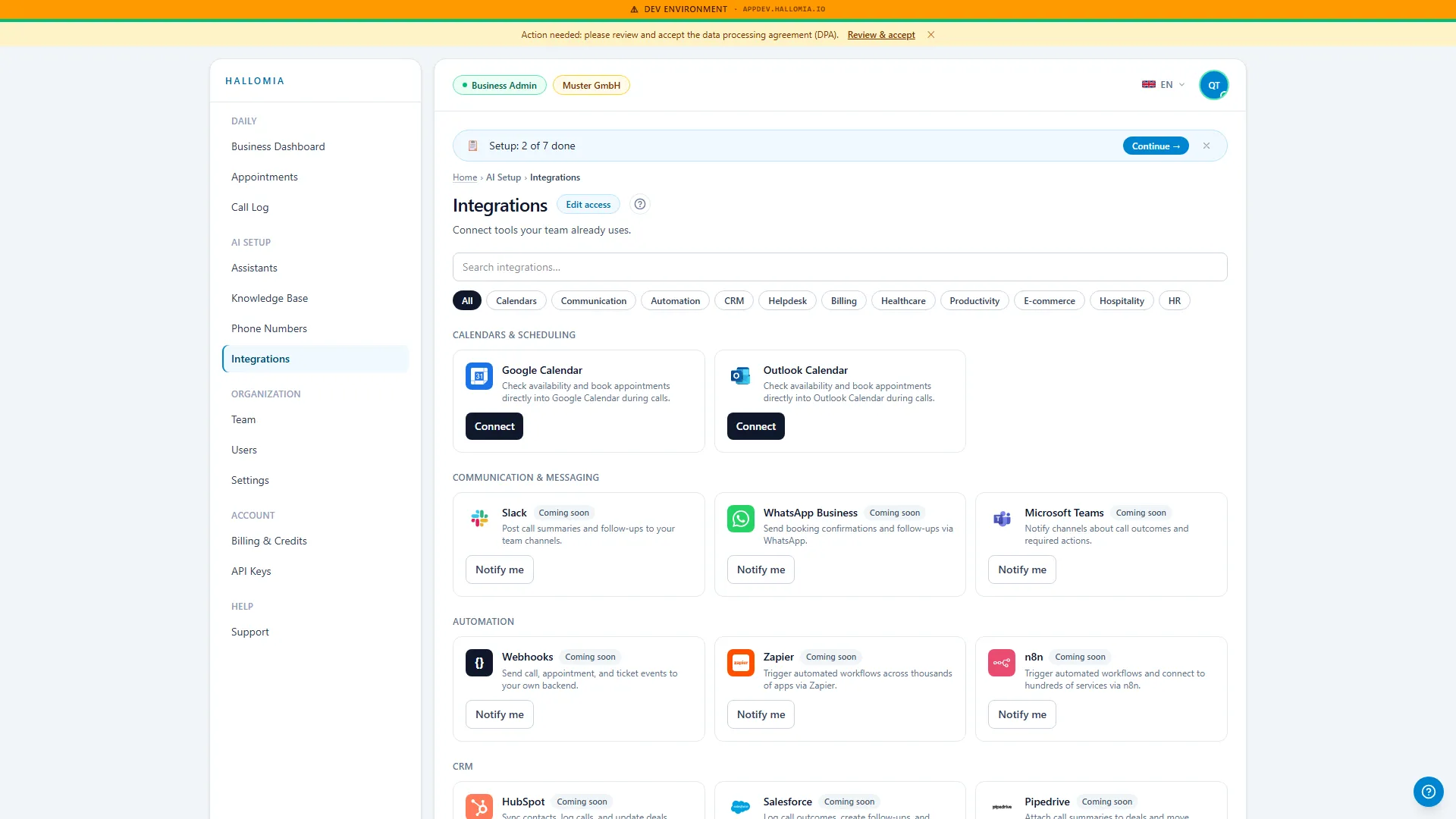
- Open Integrations and click Connect on the affected card.
- Sign in with the provider and confirm the permission again.
- Make a short test call with an appointment request and check that it appears in the calendar.