Phone numbers — which number rings whom
The phone numbers page connects the plumbing to daily life: it decides which number reaches which assistant. Until a number is assigned here, Mia can be perfectly configured and still never ring.
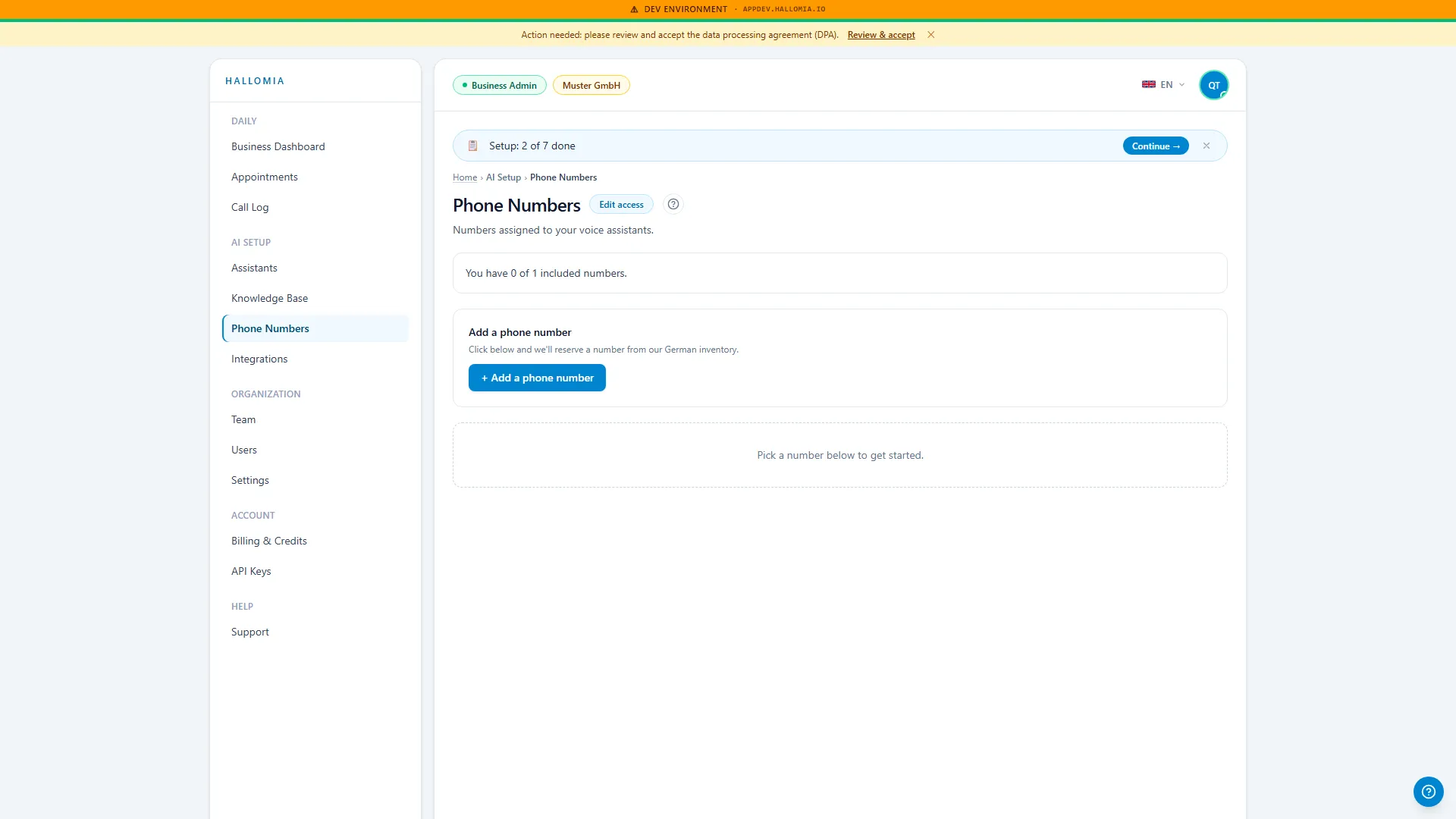
What does the phone numbers page show?
Section titled “What does the phone numbers page show?”It shows the numbers in your account and the assistant that answers calls on each one. That makes it the place to check whether an incoming call even takes the right path — before you start doubting your knowledge base or conversation guide.
What can I do from here?
Section titled “What can I do from here?”- Assign a number to an assistant, or change the assignment.
- See which assistant is currently active when a test call sounds unexpected.
- Read the fundamentals of how numbers and forwarding fit together — see How your phone number works.
- Make sense of a test call that never arrived, before changing the assistant.
Do I have to give up my existing number?
Section titled “Do I have to give up my existing number?”No. The usual route is forwarding: your familiar number stays exactly as it is and forwards to HalloMia — your customers notice no difference and you don’t have to reprint anything. How to set that up depends on your telephony provider; the relationships are explained in How your phone number works.
Why does my number say “reserved”?
Section titled “Why does my number say “reserved”?”A number is briefly reserved while it is being provisioned — that is a normal intermediate step, not a fault. If it stays that way, Number stays reserved works through the causes. Worth knowing: a reserved number does not yet take real calls, which makes this the first thing to check when a test call goes nowhere.
How do I confirm calls really arrive?
Section titled “How do I confirm calls really arrive?”Call your number from a mobile. That is the most honest test, because it takes the same path a real customer does, forwarding included. If the call connects it appears shortly afterwards in the call log. If it rings out instead, the problem is the number or the forwarding rather than the assistant — see Assistant does not pick up.