Day to day — the four areas
The app has four areas, which you switch between along the bottom. Each answers a different question.
Calls — what happened?
Section titled “Calls — what happened?”The home area. At the top it says how many calls came in today and how many were missed; below that is the list, newest first.
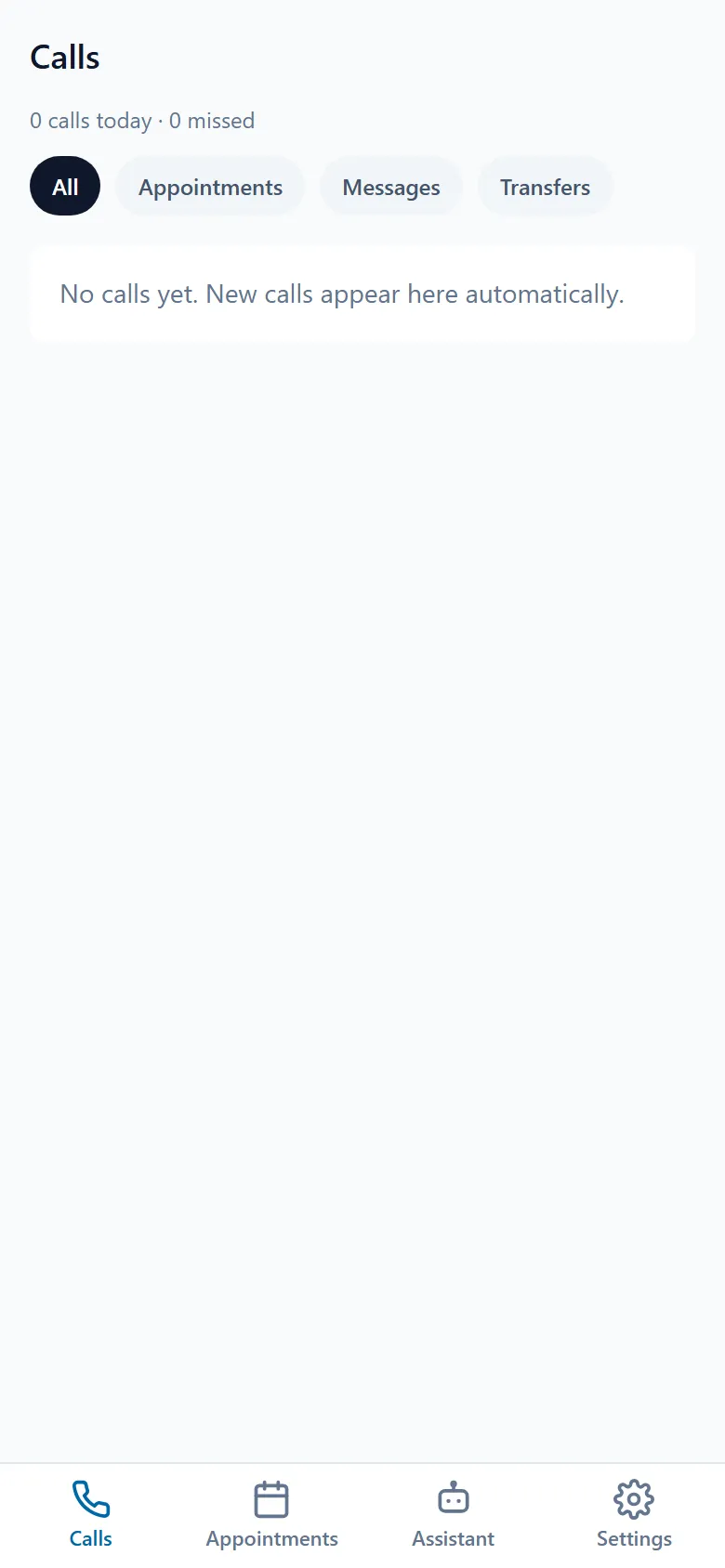
The filters above it hide what is not relevant right now:
- All — every call that came in.
- Appointments — only calls that produced an appointment request.
- Messages — callers who wanted to leave word.
- Transfers — conversations handed over to a person.
Tap a call and the conversation opens: first the summary in a few sentences, then the full transcript to read back, and the recording to listen to. The summary is usually enough; the transcript is there for when the exact wording matters.
Appointments — what is coming up?
Section titled “Appointments — what is coming up?”Every appointment request your assistant captured, in chronological order.
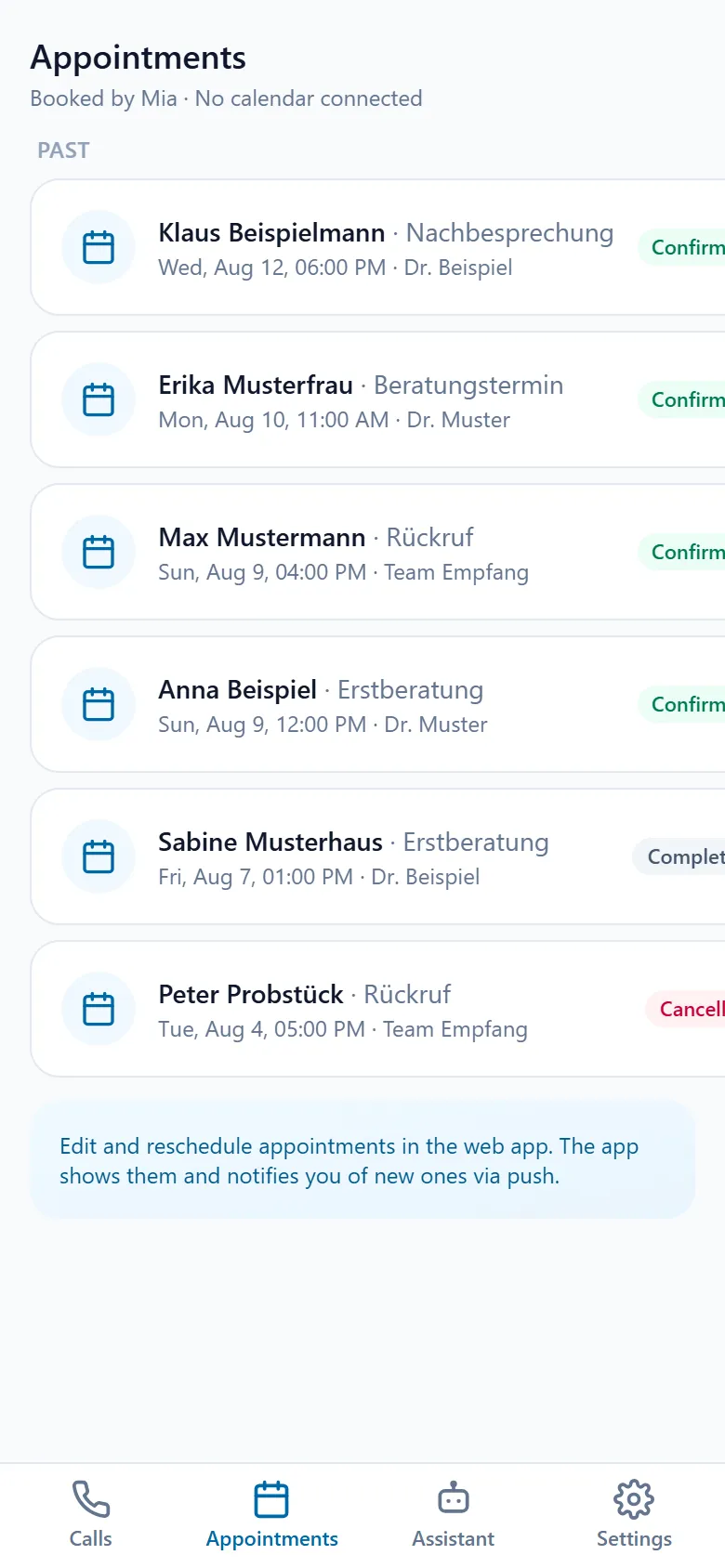
This area is deliberately read-only. You move or cancel appointments where your calendar already lives — in your calendar app if you have connected it, otherwise in the browser.
Assistant — who answers, and how?
Section titled “Assistant — who answers, and how?”The controls for your reception.
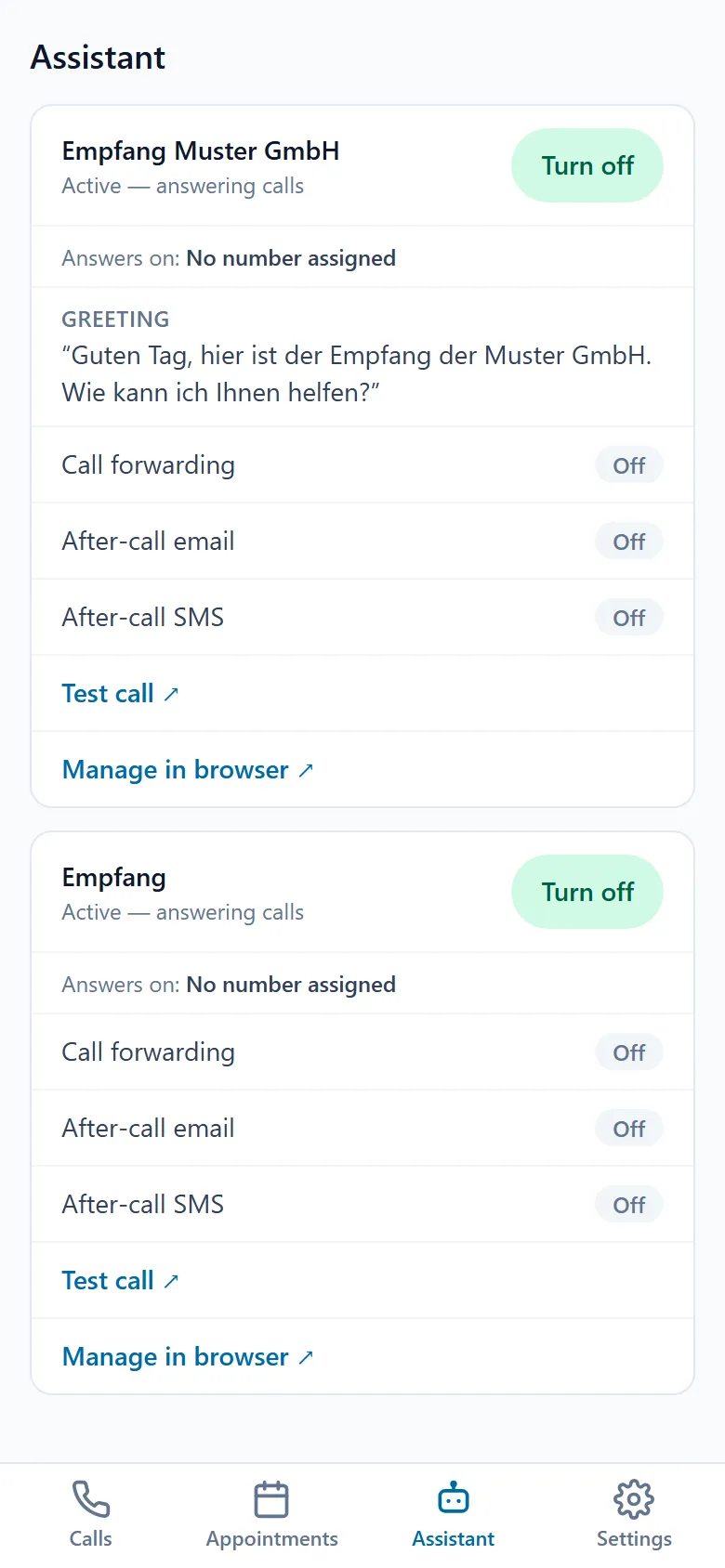
Each of your assistants has its own card. There you can see and change:
- On or off — switches call answering with a single tap. Useful when you would rather take calls yourself for a while.
- Greeting — the sentence your assistant opens with, to read back.
- Call forwarding — whether conversations get handed to a person.
- Email after call and SMS after call — whether a summary is sent after every conversation.
- Test call — calls you, so you hear how your assistant sounds before real callers do.
Your assistant’s conversation guide and knowledge are edited in the browser — Manage in browser gets you there in one tap, without signing in again.
Settings — account, alerts, language
Section titled “Settings — account, alerts, language”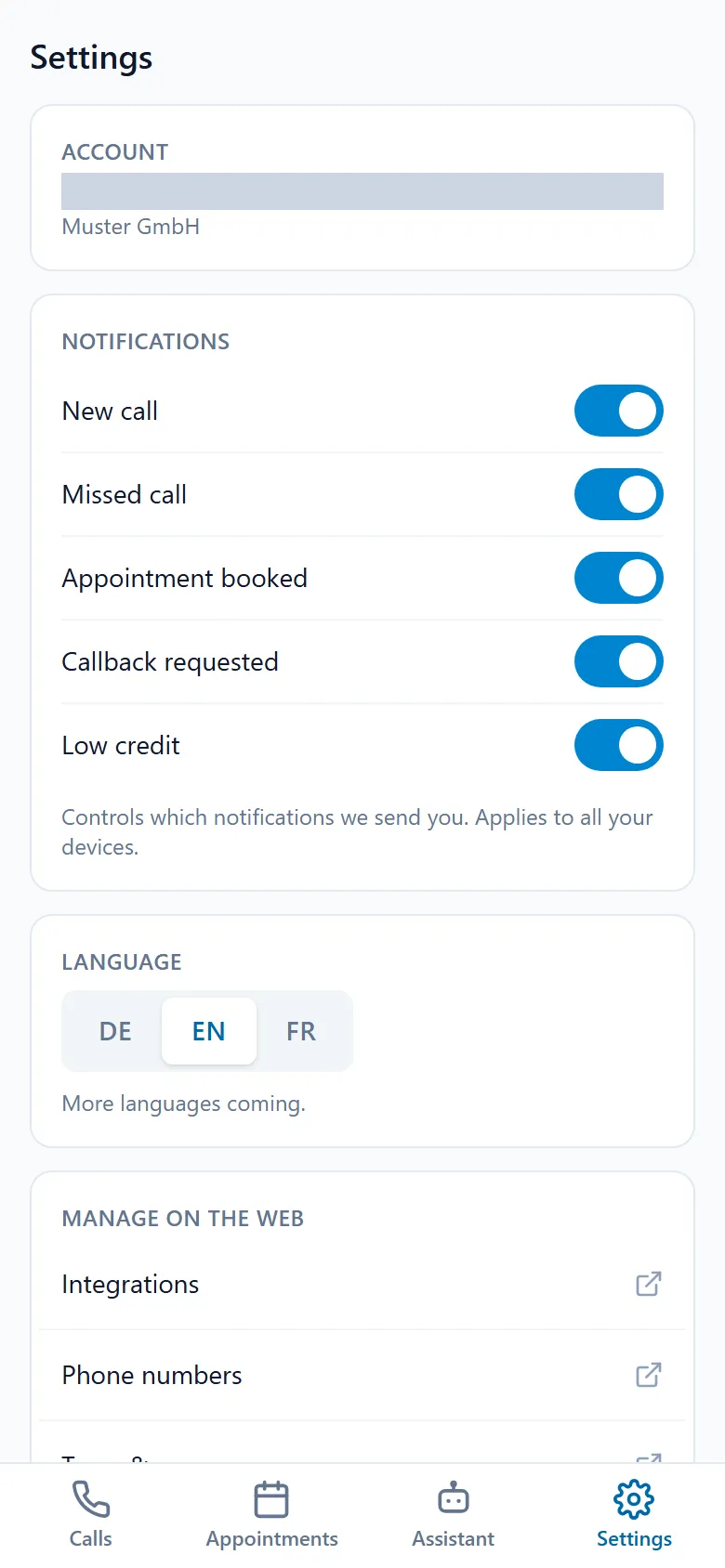
This holds your account, the toggles for the individual notifications, the language switch between German, English and French — and the links to the areas that live in the browser. At the very bottom are sign-out and, should you ever need it, deleting your account.