The HalloMia app — your reception in your pocket
HalloMia answers your calls whether or not you are at your desk. The app does not change that — it makes sure you find out. A call comes in, your phone speaks up, and within seconds you can see who called and what it was about. Without opening a laptop.
The app is free and available in both stores:
- iPhone and iPad: HalloMia on the App Store
- Android: HalloMia on Google Play
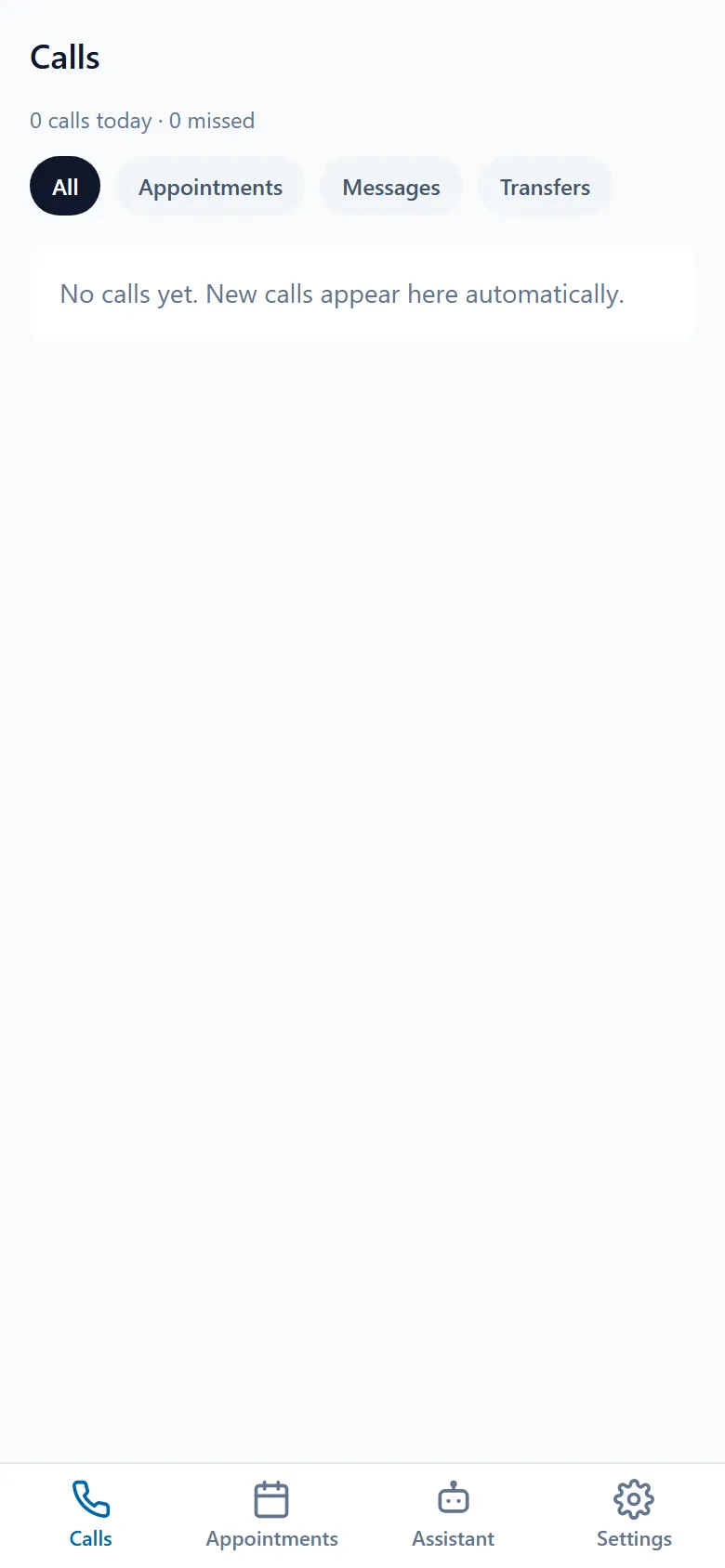
What can I do in the app?
Section titled “What can I do in the app?”The app covers what comes up between other things:
- Catch up on calls — every call with a summary, the full transcript and the recording to listen back to.
- See appointments — the appointment requests your assistant captured, at a glance.
- Control your assistant — switch it on and off, check the greeting, change call forwarding and the after-call notifications.
- Get notified — on a new call, a missed call, a booked appointment, a callback request, or when your credit runs low.
- App lock with Face ID or fingerprint — so conversation content stays protected even when someone else is holding your phone.
What do I need to use it?
Section titled “What do I need to use it?”An active HalloMia account and the same credentials you use in the browser. The app does not create a second account and asks for no second setup — it shows the same account on a smaller screen. On iPhone you need iOS 15 or newer.
If you do not have an account yet, set it up in the browser first: Getting started walks you from sign-up to your first test call.
Which languages does the app support?
Section titled “Which languages does the app support?”German, English and French. You switch under Settings → Language in the app; the change applies immediately, and only to the app on that device.
Does the app replace the browser?
Section titled “Does the app replace the browser?”No, deliberately. The app is built for being out and about: find out, catch up, react quickly. Setup and administration — integrations, phone numbers, team, plan — stay in the browser, because they are simply more comfortable on a bigger screen. Which job lives where is in App or browser?.